

When you download data from the NatureCounts website, you will receive a zip file containing several items. The data are contained in a .txt file with a filename ending in _naturecounts_data, and are in a CSV (comma separated values) format. A ReadMe file contains instructions on how to open the data in Microsoft Excel.
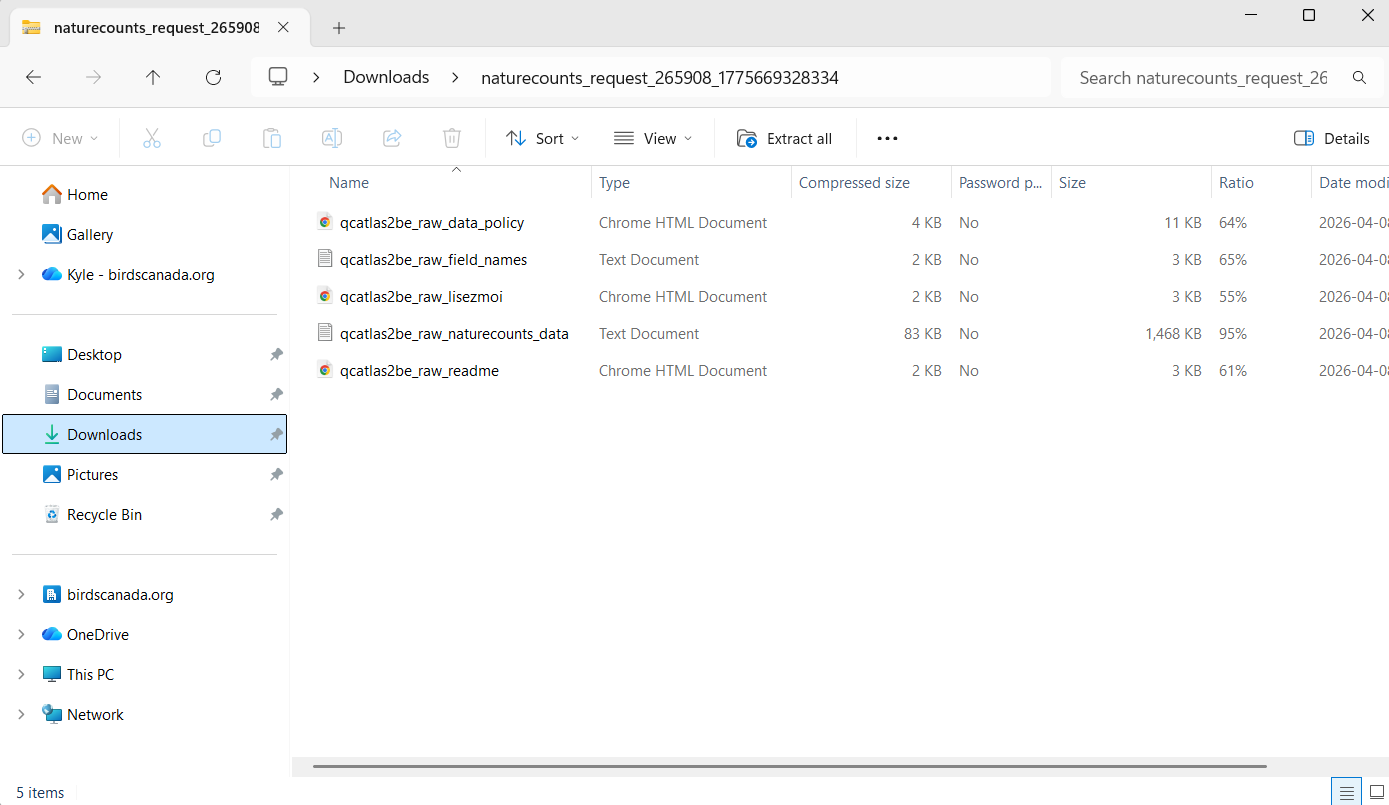
You may also see a file containing the data sharing policy for the dataset, if it is distinct from the more general NatureCounts Data Sharing Policy. Please review this policy before using the data.
Once your request for data from NatureCounts has been approved, you can also access data directly in R using the naturecounts R package. We’ll cover that in Module 5.
Next section: Acknowledging Data From NatureCounts